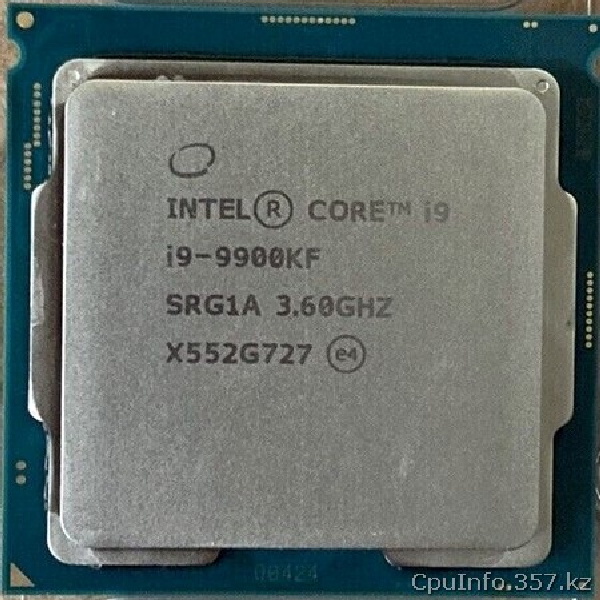
Intel Core i9-9900KF: front-side photograph and package details
What the processor front shows
This page presents an original front-view photograph of Intel Core i9-9900KF. On processors with an integrated heat spreader, the metal cap covers much of the package and transfers heat to the cooler. Its markings can help compare a physical sample with a model name, but a photograph cannot establish whether the processor works or is genuine.
Package size, socket and compatibility
Socket: the socket listed in the specification table. The shape of the processor and heat spreader is useful for visual orientation; it is not a substitute for checking mechanical and electrical compatibility. Different Intel sockets may look similar while using different contact arrangements. Consult the motherboard manufacturer's support list before installing this model.
Model specifications at a glance
The main specification page provides the complete parameter table, including technologies and other family details. A front-side photo is a supplement to those data rather than a complete identification method.
Heat spreader and cooler installation
When installing i9-9900KF, keep the contact surfaces clean, use a suitable amount of thermal interface material and mount a cooler designed for the socket listed in the specification table. Avoid excessive mechanical force. Check the socket for damage and ensure the motherboard and its BIOS support the selected CPU.
Photos, specifications and ranking
Use the dedicated back-view photograph to examine the contact side, and the detailed specifications page to review the platform and compare nearby processors. CPU-Info Benchmark provides a calculated ranking based on model characteristics, not a measurement of this particular processor sample.